

1
Buy your own subscription
- Open your storefront and visit your product page. (Dev storefronts are password-gated; find the password in the dev store admin under Online Store > Preferences.) Under Purchase options, pick the subscription and add to cart.
- Check out with Shopify’s test gateway: card number 1, any name, any future expiry, any CVC. (No test payment option at checkout? Activate the test gateway first: dev store admin, Settings > Payments.)
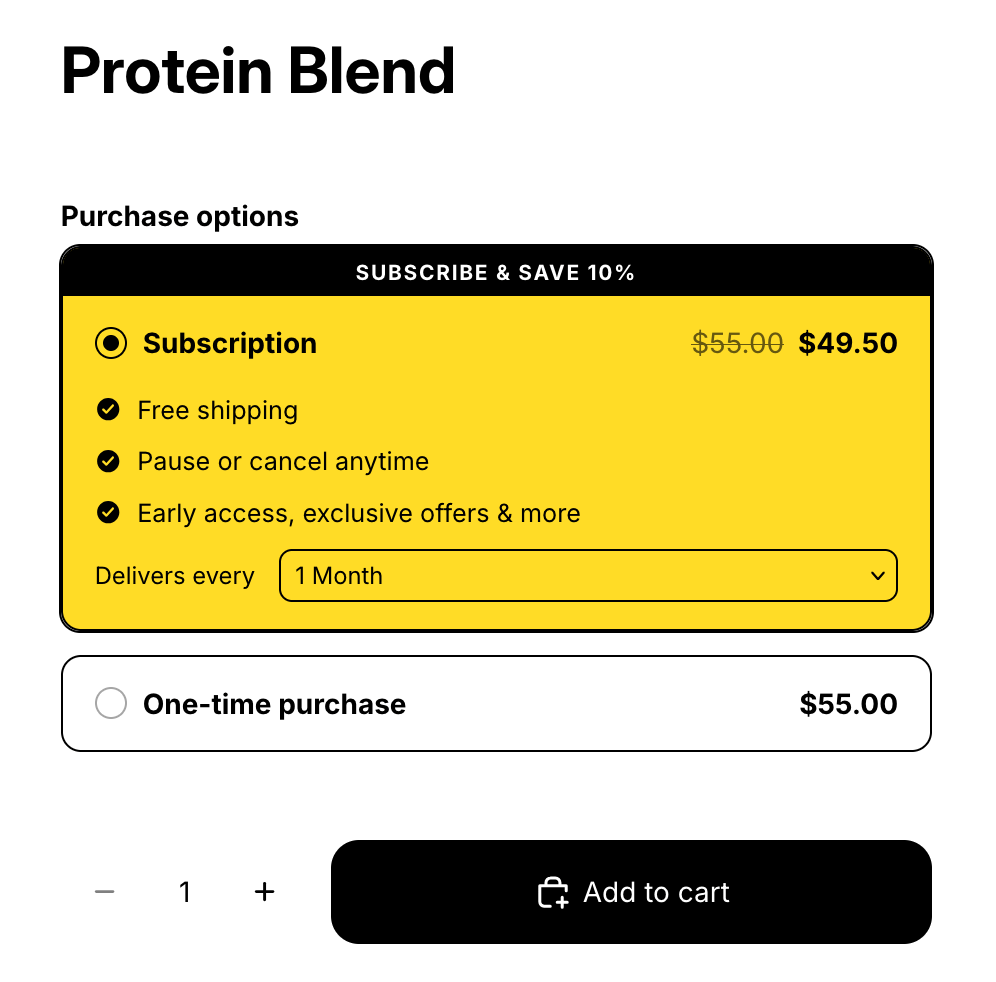
Checkpoint: order placed, no real money.
2
See it in both places
- Find the subscription in the OpenSubs admin.
- Still signed in as the test subscriber, open
/a/accounton the storefront; the account area loads with no login screen.
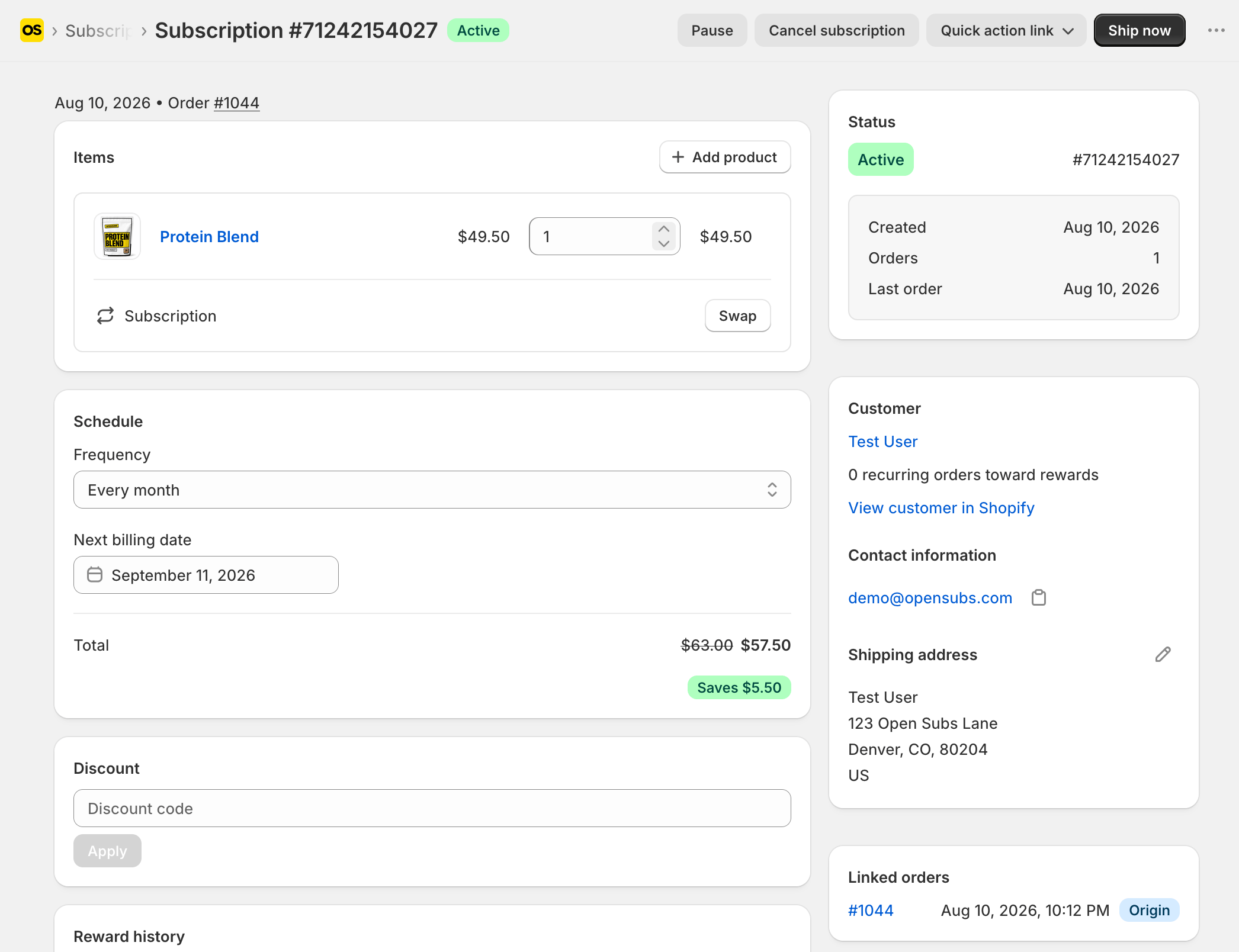
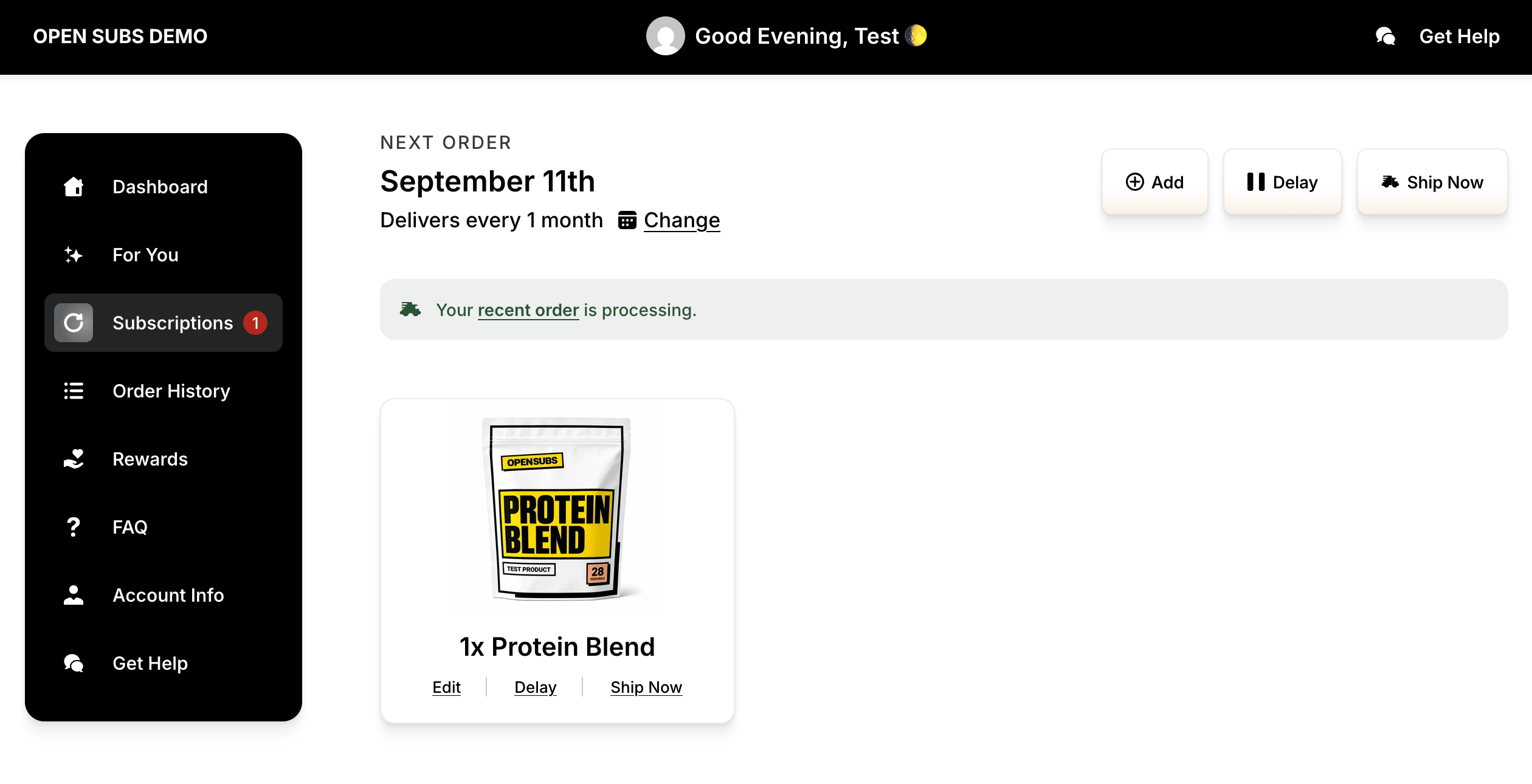
Checkpoint: same subscription in both. The subscriber’s receipt is Shopify’s own order confirmation.
No welcome email is not a bug. With no provider connected, the only receipt is Shopify’s order confirmation, same as any order. Once SendGrid or Klaviyo is connected and the event is on, the Subscription created email takes that role (Klaviyo flows arrive as drafts).
3
Look at the health page
- In the OpenSubs admin, open Settings > Operational health.
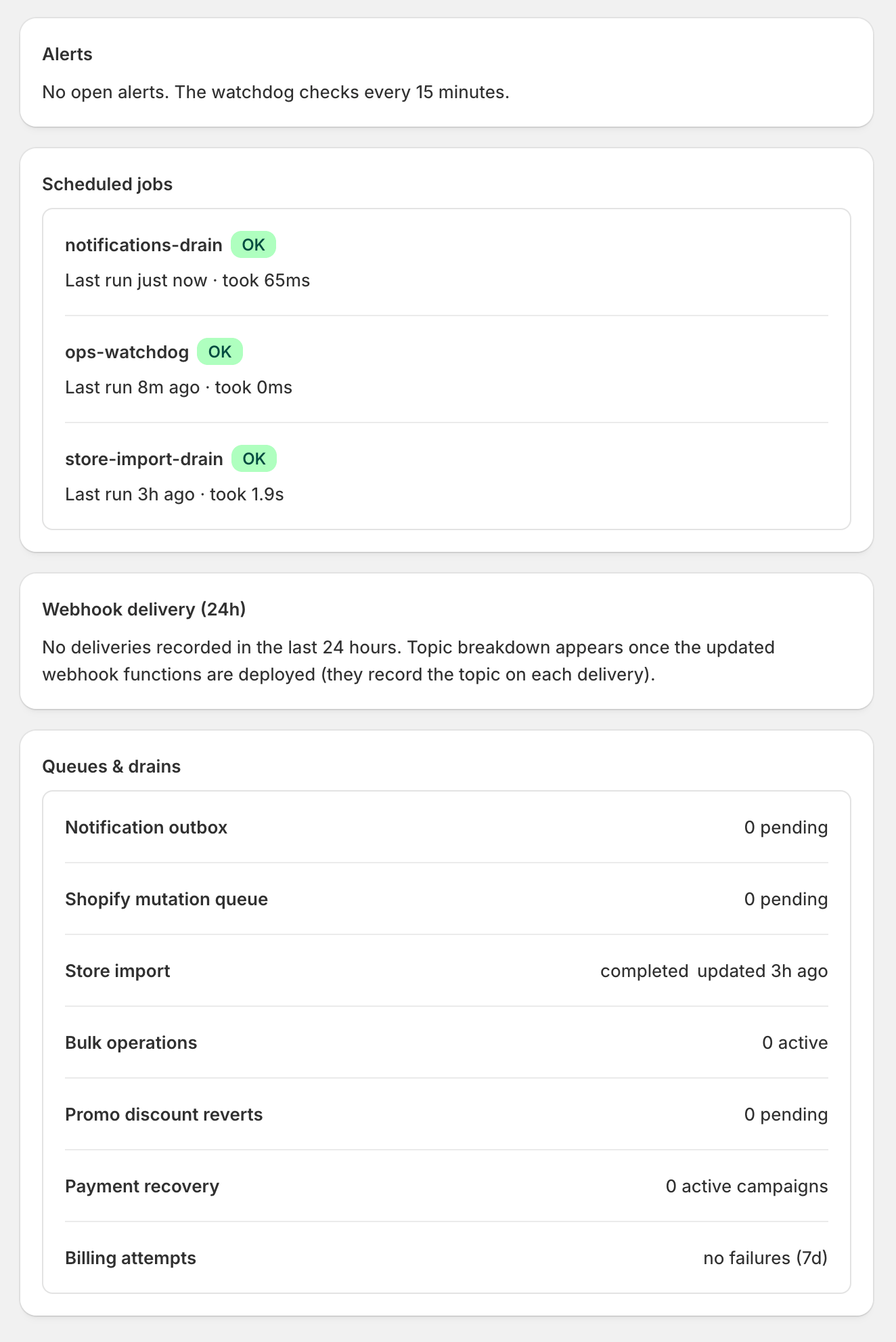
Checkpoint: green board. It sold once, and you own every piece of it.
Congratulations: the machine is yours
A shopper subscribed, Shopify wrote the contract, your engine mirrored it, the portal served it: every part lit, and green means proven. The installer left nothing behind but the machine itself: your database, your app, your store. Time spent: about an hour. Percentage owed on every order it ever takes: zero. When you’re ready for your real store, the next rung is Live for New Orders.Where next
What runs without you
Billing, retries, and emails on schedule.
Live for New Orders
From the dev store to your real store.