

- Your database, with the scheduled jobs that keep the machine ticking (billing included).
- Your app, built and deployed to your Vercel account.
- Every webhook receiver (each one answers a signed test) and the channel your notifications ride on.
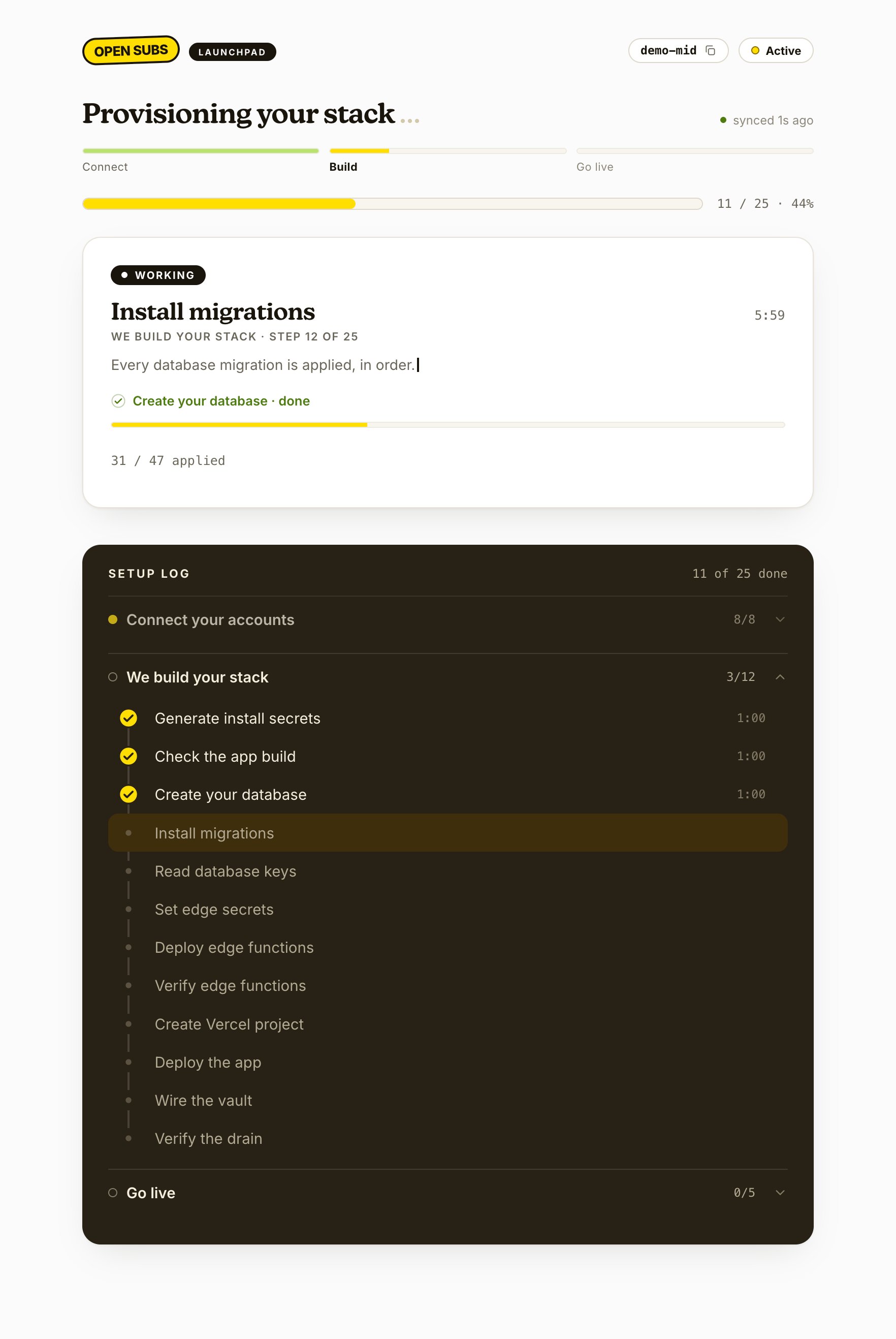
Checkpoint: all twelve build steps checked off; the run stops at install, waiting for you.
You can’t break the run. Close the laptop or lose Wi-Fi and it picks up where it left off when you reopen. If a step fails, click Retry. Still stuck? Email support@opensubs.com with your run ID (top of the installer).