- Outcome: every existing subscriber billing on OpenSubs at a 0% fee.
- Time: one sitting, plus an optional ten-minute practice run.
- Before you start: finish Live for New Orders first. New subscriptions already land on OpenSubs; the old app is only billing the subscribers it already had.
- You’ll touch:
- Your old app’s dashboard: an export and one switch
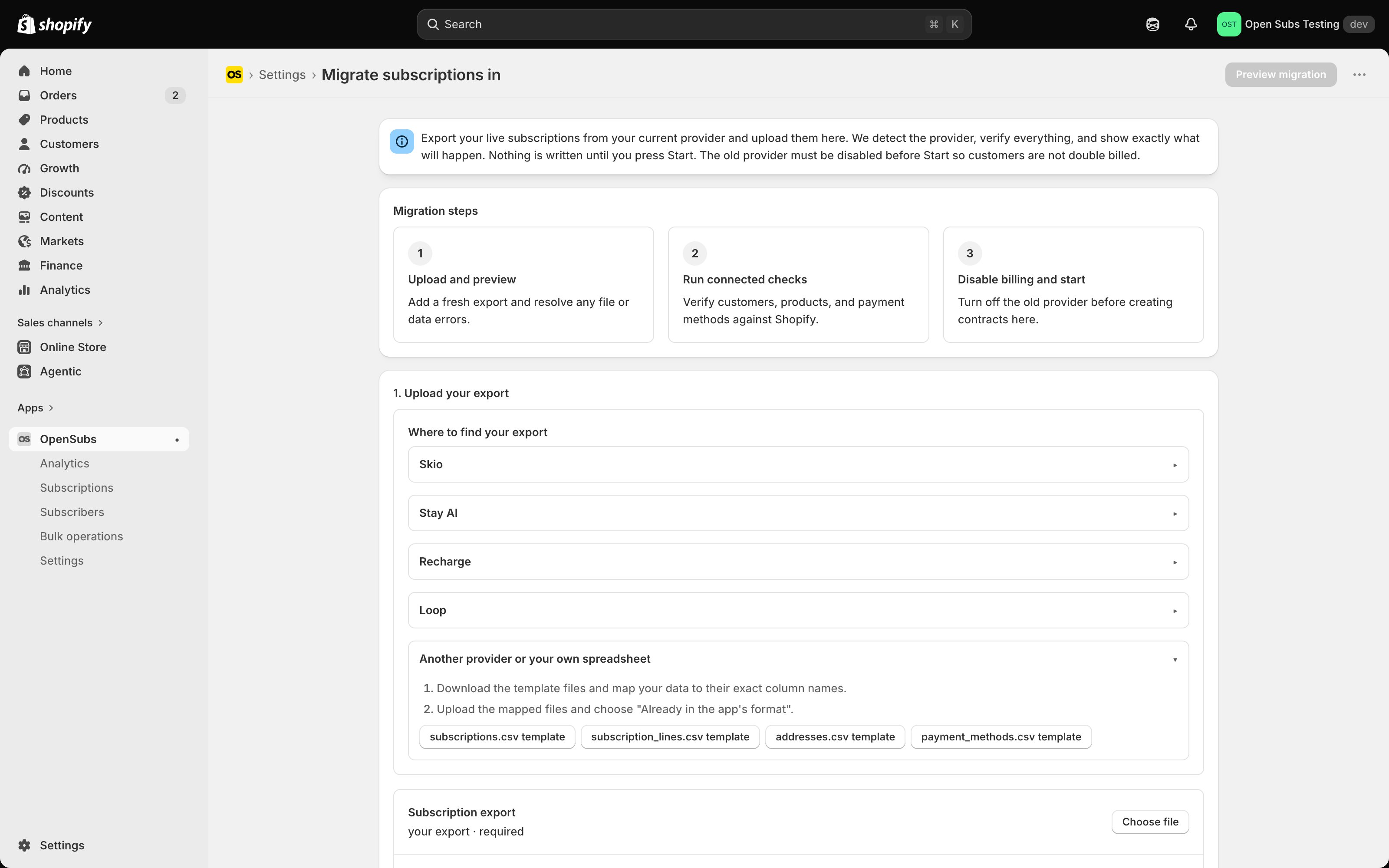
- The OpenSubs admin: Settings > Migration
What you actually do: export a spreadsheet from the old app and import it into OpenSubs. That is the whole job. One rule governs it: only one system tells Shopify to bill at any moment. You stop the old app’s billing before the import, and the confirm screen makes you state, in writing, that you have.
Your subscribers notice nothing. The migration sends zero emails and asks nobody to re-enter a card. Their subscription is simply there in your portal, next charge on the date it always was. The only person who knows it happened is you.
Three guards stand between you and a mistake:
- Nothing is written until you confirm in writing.
- Every row is verified against your live store first.
- Until a migrated contract takes its first charge, rollback is one click.
Scope. OpenSubs migrates subscriptions billed through Shopify Payments. Rows on any other payment processor are named and skipped at the preview, never silently dropped.